Text Cases – Easily Change Your Text Format
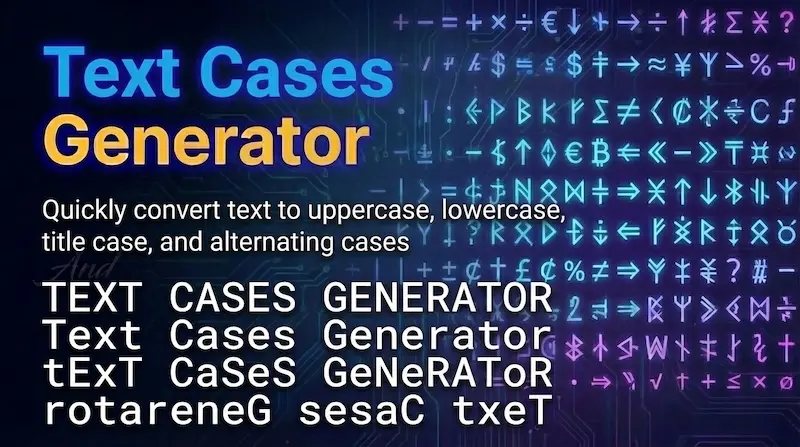
Text Cases is a sub page of this website, here you will find common used text tools like, UPPERCASE (HELLO WORLD), lowercase (hello world), Title Case (Hello World), Sentence case (Hello world), Capitalize Each Word, aLtErNaTiNg cAsE, iNVERT cASE, Small Caps (ʜᴇʟʟᴏ ᴡᴏʀʟᴅ), Bold Text (𝐇𝐞𝐥𝐥𝐨), Italic Text (𝘏𝘦𝘭𝘭𝘰), these you will see here. Sometimes you know, we need to change how our text looks. Maybe we want it in uppercase, lowercase, or a proper title format. Doing this manually can take time and effort.
That’s where Text Cases comes in. It helps you quickly convert your text into different formats with just one click.
🔠 What Is Text Cases?
Text Cases is a simple tool that converts your normal text into different letter formats (cases).
For example:
hello world
Can become:
HELLO WORLD
Hello World
hello world
It helps you format your text correctly and quickly.
How to Use Text Cases?
Using this tool is very easy:
- Type or paste your text into the input box
- It will convert you text into many text Cases format
- Click it to Copy the converted text
- Paste it wherever you need
No signup, no download, and no special skills required.
✨ Text Case Styles You Can Convert To
Here are the most common text formats available here:
- UPPERCASE (HELLO WORLD): It will converts all your letters into capital letters. Making it useful for headings, titles, or when you want to make text stand out.
- lowercase (hello world): It will converts all letters into small letters. It is good for simple writing or when you want a clean and minimal look.
- Title Case (Hello World): It will capitalizes the first letter of each word. It is commonly used in titles, headings, and blog posts.
- Sentence case (Hello world): It will capitalizes only the first letter of the sentence. This is best for normal writing and paragraphs.
- Capitalize Each Word: Similar to title case, but focuses on making every word start with a capital letter. Useful for names and headings.
- aLtErNaTiNg cAsE: It will alternates between uppercase and lowercase letters. Often used for fun, memes, or creative text styles.
- iNVERT cASE: It will switches uppercase letters to lowercase and lowercase to uppercase. It going to helpful for fixing wrongly typed text.
- Small Caps (ʜᴇʟʟᴏ ᴡᴏʀʟᴅ): It uses smaller capital-style letters. It gives you a stylish and unique look to your text.
- Bold Text (𝐇𝐞𝐥𝐥𝐨): It makes text bold and thicker. It is seful for highlighting important words.
- Italic Text (𝘏𝘦𝘭𝘭𝘰): It Slants the text slightly. It is often used for emphasis or creative styling.
🎯 Why You Should Use Text Cases
- Format your text quickly
- Improve readability
- Create professional content
- Fix text mistakes easily
- Save effort and time
🚀 Where Can You Use This Tool?
- School and college assignments
- Blog writing and articles
- Social media posts
- YouTube titles and descriptions
- Emails and professional writing